The month my satellite bill finally crossed the line
It wasn’t a dramatic “cancel today” moment. It was a regular billing cycle where the satellite total landed high enough that I stopped treating it like background noise and started treating it like a variable expense I should be managing. The base package was already over $100, then the “little” add-ons stacked up: a sports tier, HD fees, the second TV, and taxes that never seemed to round in my favor. The part that annoyed me most wasn’t even the number—it was how little control I had over it.
I pulled the last three statements and highlighted every line that wasn’t the core plan price. Seeing the pattern month to month made it clear the bill wasn’t spiking; it was slowly creeping. That’s when streaming stopped being a vague idea and became a cost comparison I could actually run, even if it meant accepting a few trade-offs to keep sports and local news dependable.
Before canceling, I calculated my true “must-haves”
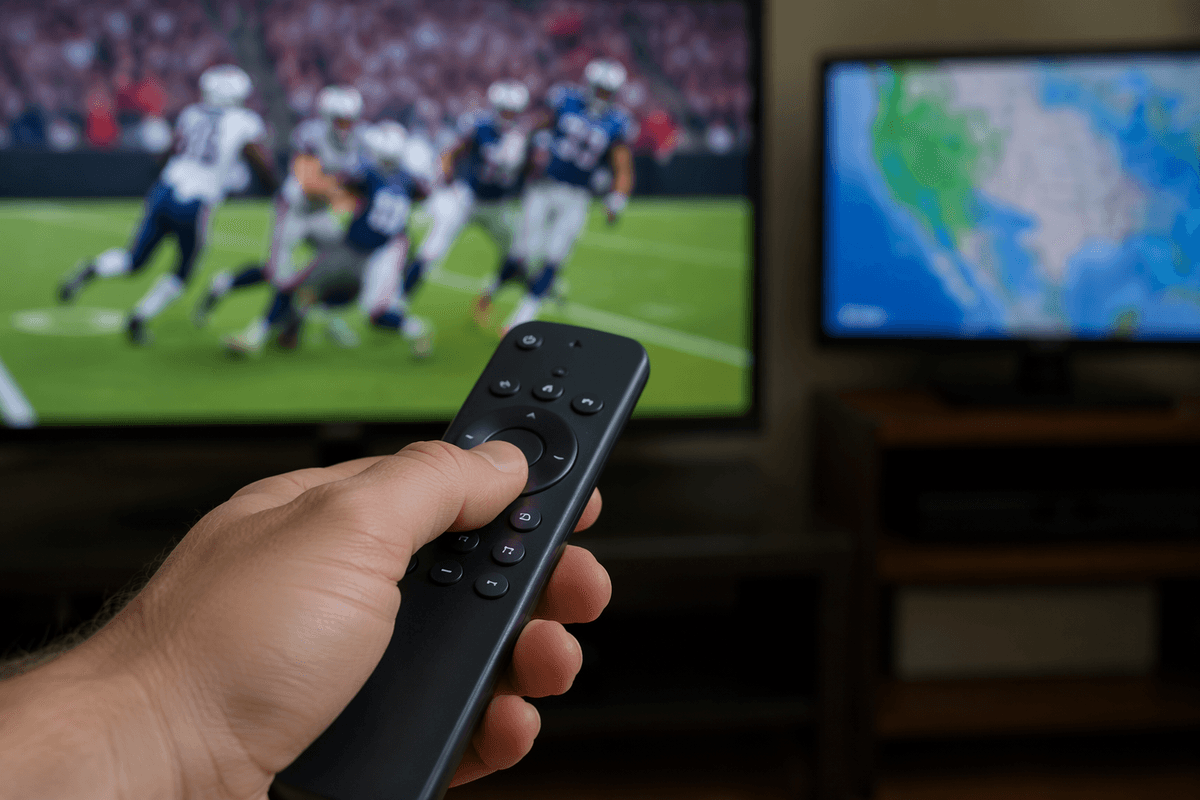
I didn’t start by pricing services. I started by listing what would make a cheaper setup feel “broken” in my house. The first non-negotiable was live sports that actually start on time and don’t buffer into a key play. Second was local channels for weather and breaking news, because I didn’t want to learn during a storm that my “live TV” plan didn’t carry the right affiliate. Third was a DVR that behaves like a DVR, not a vague “on-demand” library with missing episodes.
Then I added the constraints that usually get ignored in streaming math: two TVs in regular use, different watching schedules, and at least one person who just wants to turn on the TV without troubleshooting. I put those must-haves into a simple checklist, because if a service failed even one of them, the lower monthly price wouldn’t matter. It would just be a slow crawl back to satellite.
The first surprise cost: internet and Wi‑Fi readiness
Once I treated streaming like a replacement for satellite instead of a side hobby, the internet line item stopped being “already paying it anyway.” My plan was fine for laptops and phones, but live TV on two screens turns the connection into part of the TV bill. I priced it as an all-in number: current internet cost versus the speed tier I’d actually need, plus the extra $10–$30 a month some providers charge once you blow past their data cap. That wasn’t theoretical. A couple of Sunday afternoons of higher-quality streams is exactly how you discover your “unlimited” plan isn’t.
The other friction was inside the house. One TV sat in a Wi‑Fi dead spot that satellite never cared about, so the “cheap” switch quietly wanted a better router or a mesh kit. I also had to decide whether to run Ethernet to the main streaming box so sports wouldn’t depend on whoever was upstairs on a video call. None of it was outrageous, but it was upfront cash and a few hours of testing—enough to erase the first month’s savings if you don’t budget for it.
Choosing a live TV anchor without rebuilding cable
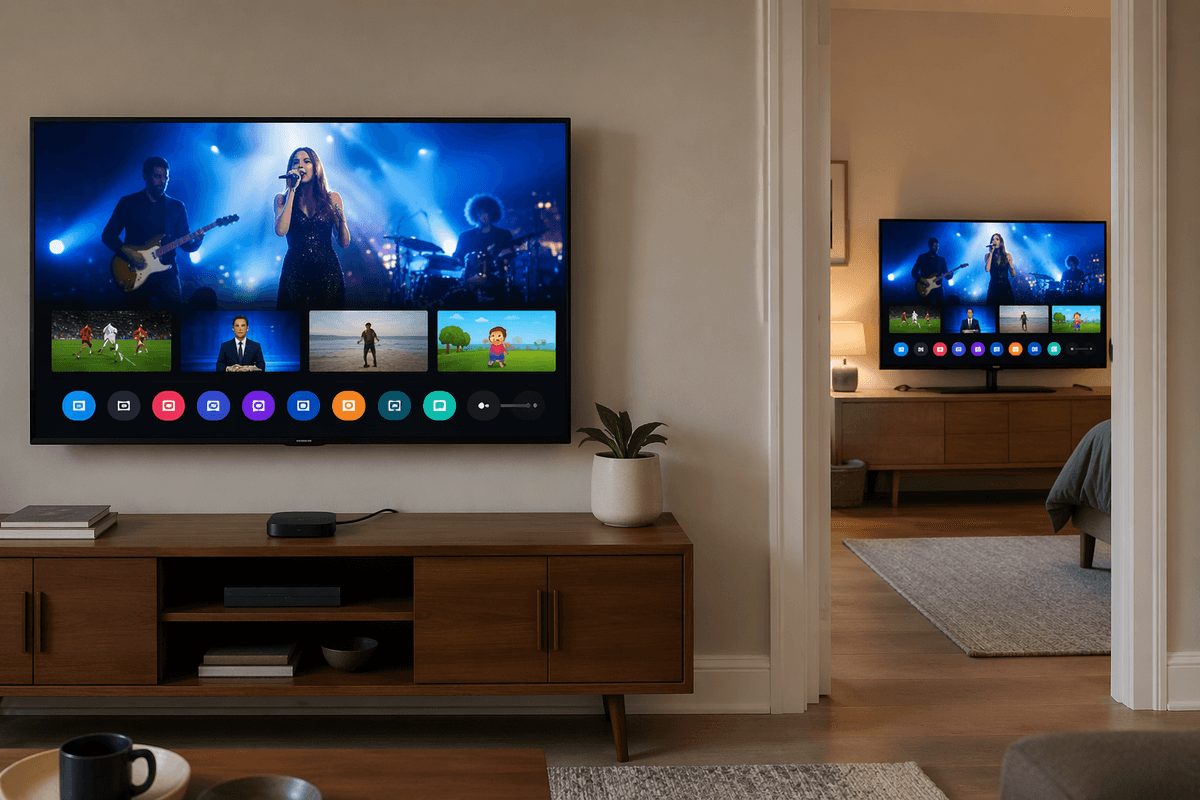
With the internet piece scoped, the next decision was picking one “anchor” service for live channels, because stacking three skinny bundles is how people accidentally recreate a cable bill. I forced myself to choose a default input: the app that opens first, carries the broadest mix of sports/news, and works on both TVs with minimal fiddling. Price mattered, but I treated it like a package cost plus the hidden behaviors—channel reliability, stream delay, and whether it demands an add-on just to feel complete.
I compared the big live TV bundles using the same checklist I used against satellite: locals in my ZIP code, the specific sports networks I actually watch, and a DVR that records new episodes without “availability” surprises. I also looked at the boring constraints that show up after week one: how many simultaneous streams are included, whether one TV needs a dedicated box, and if the interface is fast enough that a non-technical person won’t abandon it.
What I wouldn’t do was chase the lowest promo price. I picked the option that met the must-haves with the fewest add-ons, then wrote down its regular monthly rate as the number I’d budget against.
Plugging the sports and local-channel gaps deliberately
Once the anchor service was picked at its regular rate, the gaps got obvious fast: one regional sports network I actually watch wasn’t included, and one local affiliate showed up as “available” but only in certain device apps. I treated those like separate line items instead of hoping they’d resolve themselves. The constraint was simple—if I fixed them by stacking another full bundle, I’d be back at a $100+ monthly total within one billing cycle.
For locals, I tested an over-the-air antenna first because it’s a one-time cost and it removes the “did they lose this station?” risk. I ran a weekend trial during prime-time and a stormy forecast day, then decided whether the picture and reliability were good enough on both TVs. For sports, I priced the narrowest add-on that covered my teams, but I also checked blackout rules and whether the app supports my primary streaming box. If a sports fix only worked on phones, it didn’t count.
What helped was writing the gaps as “seasonal” versus “year-round,” so I could cancel the sports piece in the off-months without touching the anchor.
Setup week: devices, DVR behavior, and backup plans
The first week wasn’t about “saving money” yet. It was about removing little failure points before they turned into a household argument. I standardized the remotes and set both TVs up the same way, even though it would’ve been cheaper to limp along with one older stick and one smart-TV app. The constraint was time: if one TV behaves differently, the person who just wants the game on ends up troubleshooting, and that’s when cord-cutting feels like a downgrade.
DVR was the real test. I forced a normal workload—record a live game, record a network show that runs long, and start playback while it’s still recording. That’s where services reveal their quirks: “record” that’s really just a saved link, fast-forward limits, or recordings that vanish sooner than expected. I also checked how many streams and DVR playbacks could happen at once, because two TVs plus a phone can quietly hit the cap.
Then I built a small backup plan. Antenna input stayed configured for locals, and I kept one low-cost on-demand option active as a fallback for nights when the live app got flaky. It wasn’t elegant, but it kept reliability from being a single point of failure.
My first 60 days: savings, slipups, and a monitoring habit
By the end of the second billing cycle, the savings were real, but only because I kept the setup from “growing.” The satellite bill had been a single number; now it was an anchor service, internet, and one sports fix that I treated as seasonal. I logged the all-in monthly total in a note, using the regular (non-promo) rates, and I set a hard ceiling so a new add-on couldn’t sneak me back over $100.
The slipups were predictable. I forgot to cancel a free trial on day 31, and I also paid for a premium channel during a month where we barely watched it because the “one click” upgrade made it feel temporary. After that, I put every subscription renewal date on my calendar and started a 10-minute first-of-month check: charges, upcoming games that require the sports add-on, and whether the antenna could cover locals that week. It turned streaming into something I manage, not something that manages me.